Parent access
Forgot your parent PIN?
If you switched to kid mode on your phone and can’t remember the way back, you can choose a new parent PIN without deleting anything.
Requires AllowanceKit 2026.10.1 or later
Your family’s data stays intact. This resets the parent PIN on this device. Children, balances, goals and transaction history stay as they are.
Reset your PIN
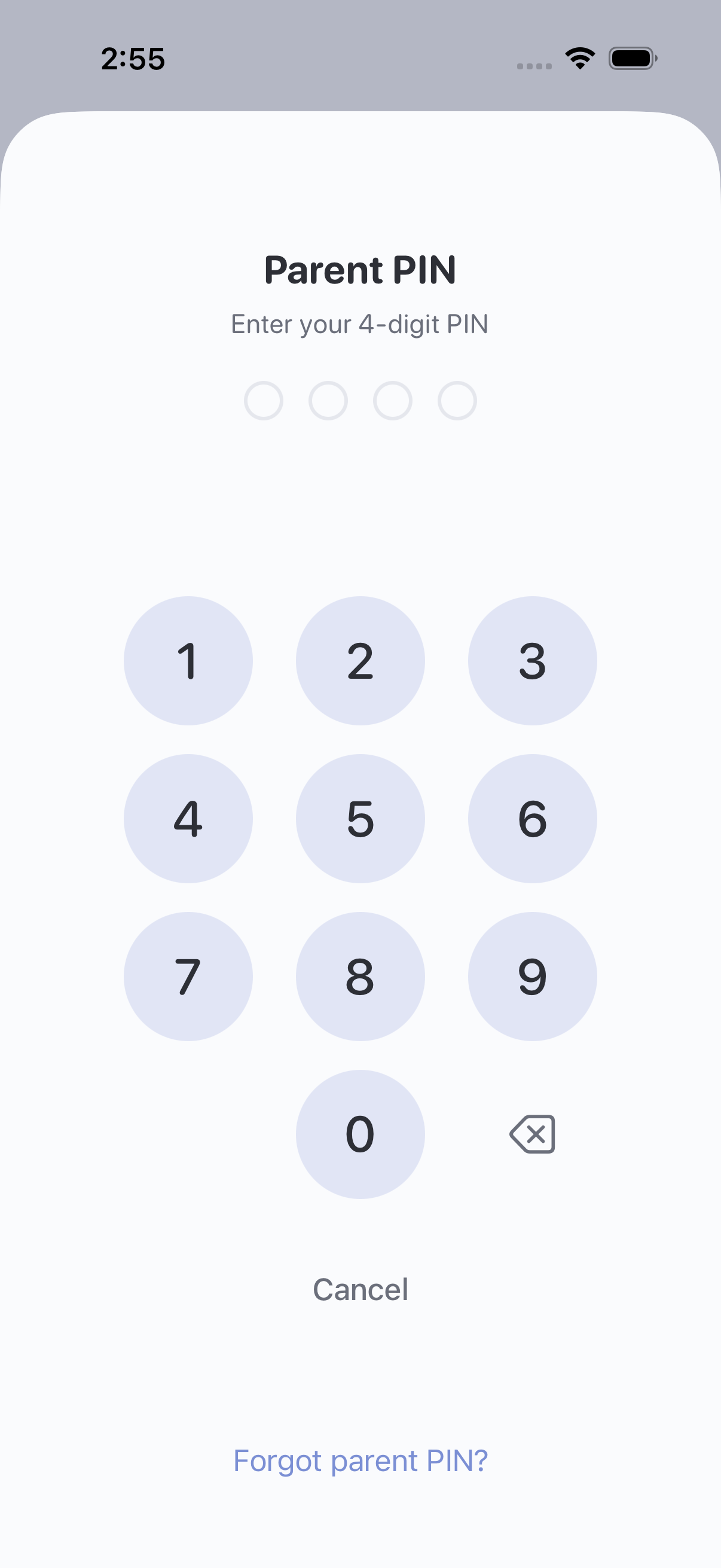
- Open the Parent PIN screen.
In kid mode, tap the lock button to return to parent mode. On the child picker, tap Parent mode (requires PIN). If you’re already in parent mode, open Settings > Parent PIN.
- Tap “Forgot parent PIN?”.
If you don’t see this option, check the App Store for an update.
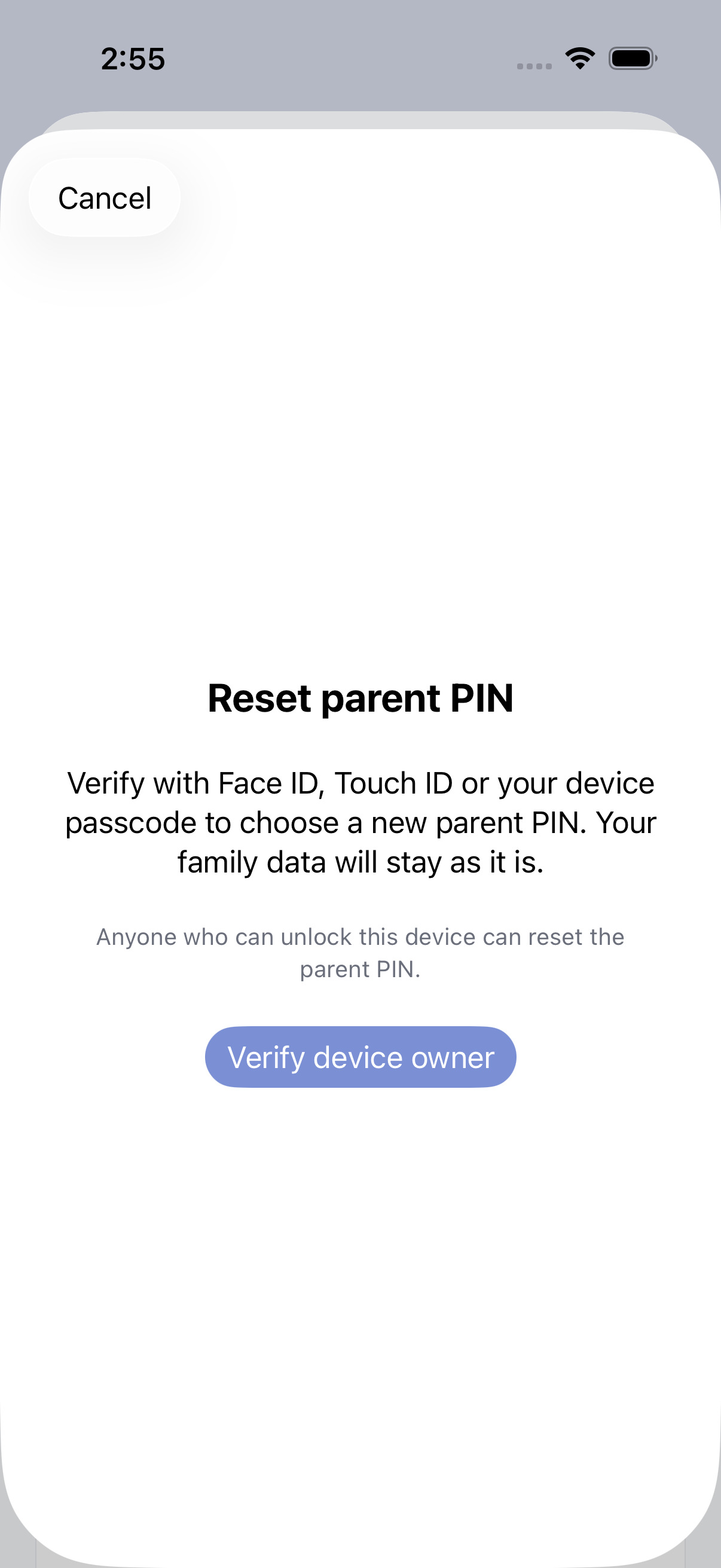
- Tap “Verify device owner”.
Follow the system prompt using Face ID, Touch ID or your device passcode. You don’t need to have enabled biometric unlock in AllowanceKit beforehand. Your device passcode is the code you use to unlock your iPhone or iPad, which may be different from your four-digit parent PIN.
- Choose a new four-digit parent PIN.
Enter it again to confirm. Use the new PIN to return to parent mode on this device.
Before you try again
Anyone who can complete device-owner authentication can reset the parent PIN. Keep your device passcode private if you want parent controls to stay with you.
I never enabled Face ID in AllowanceKit. Can I still reset?
Yes. Recovery uses your device’s security independently of AllowanceKit’s biometric-unlock setting. Follow the system prompt and use the device-passcode option if needed.
I’m locked out after too many guesses.
“Forgot parent PIN?” remains available during the countdown. Verify the device owner, then choose a new PIN.
What if verification fails or I cancel?
Your existing PIN stays in place until you confirm and save a replacement. Make sure your device has a passcode set, then try again. If you can’t verify the device owner, contact us for help. Keep the app installed.
Does this reset the PIN on my other devices?
No. Parent PINs belong to each device. Repeat these steps on another parent device only if you need to reset its PIN too.
The screen shows my child’s name instead.
That’s a child’s code. Follow the child-code guide. A device configured as a child’s own locked device uses a separate parent-approval unlock flow.
Still need help?
Email hello@allowancekit.app and tell us which screen you’re on and your app version. Please don’t send your PIN or device passcode.